
Technical SEO Checklist for 2026: 40 Fixes That Actually Matter

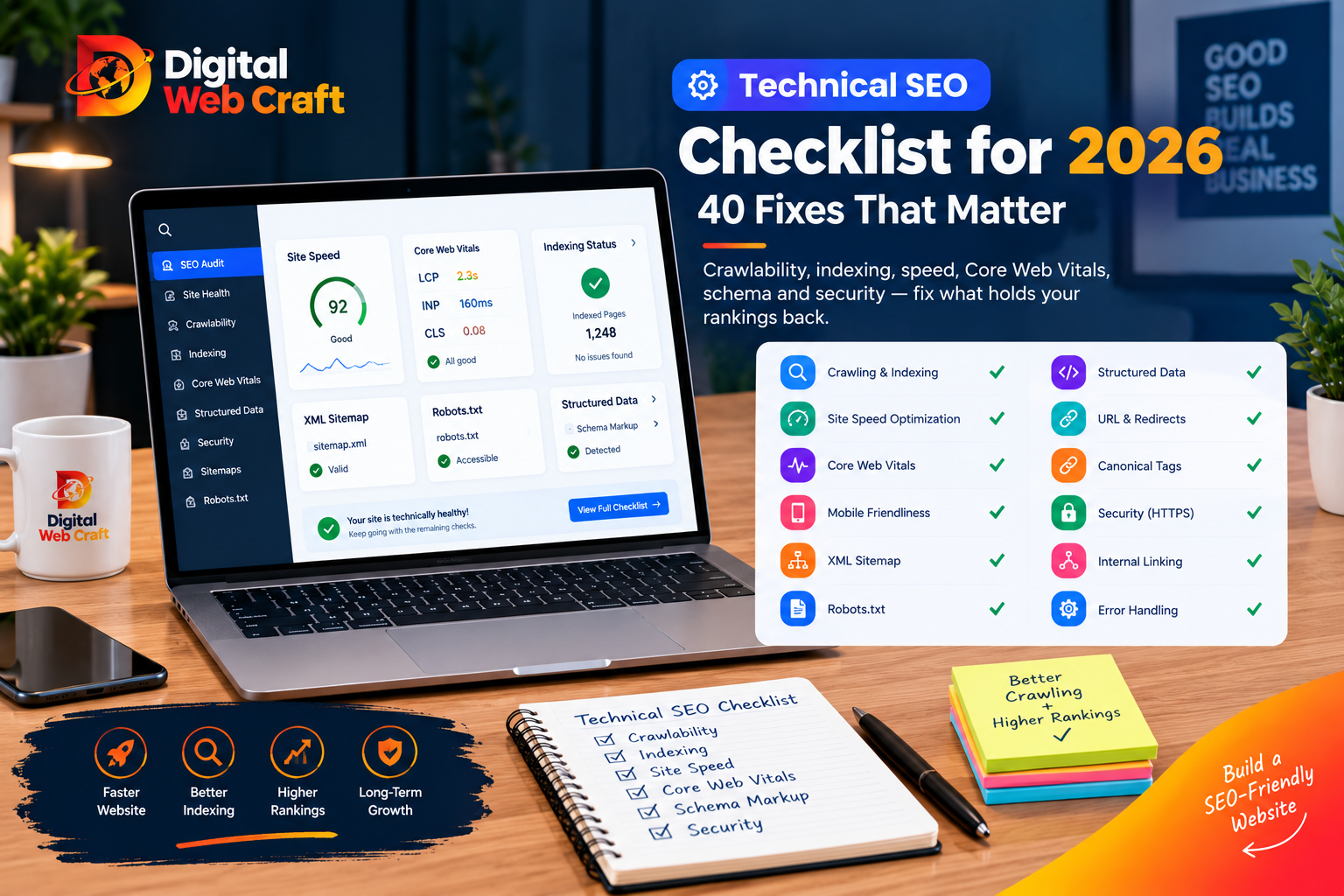
You can write great content, build good links and still go nowhere in search if your website has technical problems. Pages that Google cannot crawl, duplicate URLs that split your rankings, slow mobile pages and broken redirects all quietly drain results, and most owners never see them because the site looks fine in a browser.
Technical SEO is the work of making your website easy for search engines to find, understand and trust, and easy for people to use. It is less glamorous than content or link building, but it is the foundation. Everything else stands on it.
This checklist covers 40 checks in a sensible order, from “can Google reach my pages at all” to “is my structured data helping.” Each check explains what it is, why it matters and how to fix it, in plain language. You do not need to be a developer to use the list, although some fixes will need one.
Key Takeaways
- Technical SEO makes sure search engines can crawl, render, index and understand your pages.
- Fix crawling and indexing problems first, because nothing else matters if important pages are not in the index.
- Google Search Console is the most important free tool for finding technical issues on your own site.
- Every important page should have one clean, canonical, HTTPS URL that returns a normal success response.
- A clear XML sitemap, a careful robots.txt file and sensible internal linking help crawlers reach the right pages.
- Core Web Vitals and mobile usability affect real visitors, so speed work usually helps both rankings and conversions.
- Duplicate pages, redirect chains and broken links waste crawl effort and split ranking signals.
- Structured data (schema) helps search engines understand your content and can make results more informative.
- Security, hosting quality and clean code support every other technical improvement.
- A short monthly check and a full audit once or twice a year catches problems before they cost you traffic.
How to Use This Checklist
Work through the sections in order. Crawling and indexing come first because they decide whether a page can rank at all. Speed and structure come next, followed by the finer details.
For each check, note one of three results: pass, fix now or fix later. Do not try to fix everything in one afternoon. Fix problems that affect many pages or important pages first, such as your homepage, service pages and top-converting content.
If your site runs on WordPress, many of these checks can be handled through settings and trusted plugins. If it is custom-built, your developer will need to add them deliberately. Our comparison of WordPress vs custom websites explains how that choice affects technical SEO.
Tools You Need
You can do most of this with free tools.
- Google Search Console: shows indexing status, search queries, crawl issues, mobile usability and Core Web Vitals reports for your site.
- Bing Webmaster Tools: similar insights for Bing, plus a quick way to submit sitemaps.
- PageSpeed Insights and Lighthouse: measure speed and report on Core Web Vitals.
- A crawler such as Screaming Frog (free for small sites) or similar tools: crawls your site like a search engine and lists errors.
- Browser developer tools: to inspect headers, redirects and rendering.
- Rich Results Test and Schema Markup Validator: to check structured data.
- Your analytics platform: to confirm real traffic changes after fixes.
Set up Search Console first. If you have not verified your site there, do it today.
Section 1: Crawling
Crawling is how search engines discover your pages. If a page cannot be crawled, it cannot be indexed.
1. Make sure your important pages return a 200 status
Every page you want in search should respond with a normal success code. Pages that return errors (404, 500) or incorrectly return success for missing content (soft 404s) confuse crawlers. Run a crawl and review the status code report.
2. Check your robots.txt file
Your robots.txt file at yourdomain.com/robots.txt tells crawlers what they may and may not request. Common problems include accidentally blocking the entire site (a leftover setting from development), blocking CSS or JavaScript files that pages need to render, or blocking sections you actually want indexed. Keep the file simple and review it after every site rebuild.
3. Decide your policy for AI crawlers
Beyond traditional search bots, AI companies run their own crawlers. Decide deliberately whether to allow or block them in robots.txt, based on your business goals. Allowing them may help your content appear in AI-generated answers. Blocking them may protect content you do not want reused. Either way, make it a choice, not an accident.
4. Submit an XML sitemap
An XML sitemap lists the pages you want indexed. It should include only canonical, indexable, 200-status URLs. Remove redirected, noindexed and error pages. Submit the sitemap in Search Console and reference it in robots.txt.
5. Keep sitemaps clean and current
Large sites should split sitemaps by type (pages, posts, products). Make sure new content appears automatically and deleted content disappears. Accurate “last modified” dates help, but only if they are real.
6. Reduce crawl waste
Search engines spend limited effort on each site. Wasteful URLs include endless filter combinations, internal search result pages, session IDs, calendar archives and duplicate parameters. Block or consolidate these where appropriate, and use canonical tags so signals consolidate on the preferred version.
7. Check server response time and uptime
If your server is slow or frequently down, crawlers visit less often and visitors leave. Check crawl stats in Search Console and monitor uptime. Reliable hosting is part of technical SEO, and our managed hosting is built for this.
8. Make sure firewalls are not blocking legitimate bots
Security tools sometimes block search engine crawlers by mistake, returning 403 errors. If Search Console reports access problems, check your firewall, CDN and security plugin rules, and allow verified search bots.
Section 2: Indexing
Crawled does not mean indexed. Indexing is when a page is stored and eligible to appear in results.
9. Review the Page Indexing report in Search Console
This report shows which pages are indexed and why others are not. Pay attention to reasons such as “Crawled, currently not indexed,” “Discovered, currently not indexed,” “Duplicate without user-selected canonical,” “Alternate page with proper canonical tag,” and “Excluded by noindex tag.” Some exclusions are normal. Others reveal real problems.
10. Check for accidental noindex tags
A noindex directive (in a meta tag or HTTP header) tells search engines to keep a page out of results. It is easy to leave one on after a site launch. Crawl your site and list every page with noindex, and confirm each one is intentional.
11. Use canonical tags correctly
A canonical tag tells search engines which URL is the main version of a page. Every indexable page should have a self-referencing canonical, and duplicates should point to the preferred version. Make sure canonicals use the correct protocol (HTTPS) and the preferred domain version, and that they do not point to redirected or broken URLs.
12. Choose one version of your domain
Your site should resolve to a single version: either with or without “www,” and always HTTPS. The others should permanently redirect to it. Otherwise, you effectively have duplicate versions of the entire website.
13. Fix duplicate and near-duplicate content
Common causes include printer-friendly pages, tag and category archives with thin content, product variations, and the same text used on many location pages. Consolidate pages, add unique content, or canonicalise where needed.
14. Improve thin or low-value pages
Pages with very little useful content may be crawled but not indexed. Expand them, merge them into stronger pages or remove them. Quality is part of technical health, because low-value pages dilute your site.
15. Request indexing for key new pages
After publishing or substantially updating an important page, use the URL Inspection tool in Search Console to check that it is indexable and request crawling. This does not guarantee immediate indexing, but it helps speed discovery.
Section 3: Site Structure and URLs
Structure tells search engines how your pages relate, and which pages matter most.
16. Keep important pages within a few clicks of the homepage
Pages buried deep in the site get less attention from crawlers and users. Aim for a flat, logical structure where key service and product pages are easy to reach.
17. Build strong internal linking
Internal links pass authority and help crawlers discover pages. Link from related articles, service pages and navigation menus using descriptive anchor text. Avoid orphan pages, which have no internal links pointing to them.
18. Use clean, readable URLs
Short, descriptive URLs that use lowercase letters and hyphens are easier for people and search engines. Avoid unnecessary parameters, session IDs and long strings of numbers. Once published, avoid changing URLs without redirects.
19. Fix broken links
Broken internal links frustrate users and waste crawl effort. Broken external links hurt credibility. Run a crawl, list all 404s and update or remove the links.
20. Remove redirect chains and loops
A redirect chain sends users through several hops (A to B to C). Each hop slows things down and can lose signals. Update links and redirects to go directly to the final destination, using permanent (301) redirects where the move is permanent.
21. Add breadcrumbs
Breadcrumb navigation helps users orient themselves and gives search engines a clear picture of your hierarchy. Pair it with breadcrumb structured data.
22. Handle pagination and faceted navigation carefully
Large listings, blog archives and filtered product pages can create thousands of near-duplicate URLs. Make sure important items are reachable through normal links, avoid indexing endless filter combinations and give each indexable page a unique purpose.
Section 4: Mobile and Page Experience
Search engines primarily evaluate the mobile version of your site, and most visitors use phones.
23. Test mobile-friendliness on real devices
Check your key pages on actual phones, not only in a desktop browser’s responsive mode. Look for text that is too small, buttons too close together, content wider than the screen and pop-ups that cover the page.
24. Make sure mobile and desktop content match
If your mobile version hides or removes important content, that content may be treated as less important. Keep the same main content, headings, structured data and links on both versions.
25. Avoid intrusive interstitials
Large pop-ups that block content immediately after arrival, especially from search, frustrate visitors. Use unobtrusive banners, delay prompts and make them easy to dismiss.
26. Check layout stability and tap targets
Elements that jump around while the page loads, or tiny links that are hard to tap, create a poor experience. This ties directly into Core Web Vitals, covered next.
Section 5: Speed and Core Web Vitals
Speed is both a user experience and a technical SEO issue. Google measures real-user experience through Core Web Vitals.
The three metrics, with Google’s published “good” targets at the time of writing:
- Largest Contentful Paint (LCP): how quickly the main content appears. Aim for 2.5 seconds or better.
- Interaction to Next Paint (INP): how quickly the page responds to taps and clicks. Aim for 200 milliseconds or better.
- Cumulative Layout Shift (CLS): how much the layout jumps around. Aim for 0.1 or lower.
Check the Core Web Vitals report in Search Console for real-world data, and use PageSpeed Insights to find specific causes.
27. Optimise images
Images are usually the heaviest part of a page. Use modern formats such as WebP or AVIF, resize images to the size actually displayed, compress them, and set width and height attributes to prevent layout shifts. Never lazy-load the main image at the top of the page.
28. Lazy-load images below the fold
Load images only when users scroll near them. This reduces initial page weight and improves LCP for what users see first.
29. Reduce and defer JavaScript
Heavy scripts delay interaction and hurt INP. Remove unused scripts, defer non-critical ones, limit third-party tags (chat widgets, trackers, heatmaps) and audit plugins that load code on every page.
30. Minify and combine critical CSS carefully
Remove unused CSS, minify files and inline only the critical styles needed for the first view. Avoid render-blocking resources where possible.
31. Use caching and a CDN
Browser caching, server caching and a content delivery network reduce load times for repeat visitors and users far from your server.
32. Optimise fonts
Limit the number of font families and weights, use modern formats, and use font-display settings so text appears quickly rather than staying invisible.
33. Improve server and hosting performance
A slow server limits every other optimisation. Choose quality hosting with current PHP or server software, enough resources and a nearby location, or use edge delivery. Our website cost guide explains why hosting quality belongs in your budget.
Section 6: On-Page Technical Elements
These are the signals in your page code that tell search engines what the page is about.
34. Give every page a unique title tag and meta description
Titles should be descriptive, include the main topic and stay within the length that displays well (generally about 50 to 60 characters). Meta descriptions do not directly rank pages but influence clicks, so write them as short, helpful summaries. Avoid duplicates across pages.
35. Use proper heading structure
Each page should have one clear H1 that describes the topic, followed by logical H2 and H3 headings. Do not use headings only for styling. Good structure helps users and search engines.
36. Add descriptive alt text and file names to images
Alt text improves accessibility and helps search engines understand images. Describe what the image shows, naturally. Do not stuff keywords.
Section 7: Structured Data
Structured data (schema markup) is code that labels the meaning of content, such as an organisation, article, product, FAQ, review or local business. It helps search engines understand your pages and may make results eligible for enhanced displays.
37. Add the right schema types
Useful types for most business sites include:
- Organization and LocalBusiness: name, logo, address, phone, opening hours and social profiles.
- Article or BlogPosting: for blog content.
- Service and Product: for what you sell.
- FAQPage: for pages with real question-and-answer content. Note that search engines have limited how often some rich result types appear, so use schema for clarity first, not for guaranteed visual extras.
- BreadcrumbList: to reflect your hierarchy.
Use JSON-LD format, make sure the markup matches visible content, and test it with the Rich Results Test and Schema Markup Validator. Never mark up content that users cannot see.
Section 8: Security and Hosting
38. Use HTTPS everywhere
Your entire site should load over HTTPS with a valid certificate. Fix mixed content (HTTP resources on HTTPS pages), redirect all HTTP URLs to HTTPS and make sure canonicals, sitemaps and internal links use HTTPS.
39. Keep software updated and protect the site
Outdated plugins, themes and frameworks create security holes, and hacked sites can be flagged or removed from results. Apply updates promptly, use strong passwords and two-factor authentication, take backups and monitor for malware. Add security headers where appropriate.
Section 9: JavaScript, International and Special Cases
JavaScript-heavy sites
Search engines can render JavaScript, but it adds complexity and delay. If your content appears only after scripts run, test with the URL Inspection tool to see what Google actually sees. Server-side rendering or static generation is generally safer for content that must be indexed. Make sure internal links are real links that crawlers can follow, not click handlers with no URL.
International and multilingual sites
If you serve different countries or languages, use clear URL structures (such as subfolders or country domains), correct hreflang tags and consistent canonical rules. Do not auto-redirect users by location in a way that prevents search engines from accessing each version.
Migrations and redesigns
Site migrations are the most common cause of sudden traffic loss. Before relaunching, crawl the old site, map every old URL to its new equivalent with 301 redirects, keep titles and content for pages that rank, test on a staging site, submit the new sitemap and monitor Search Console closely for weeks afterwards.
Large or ecommerce sites
Pay close attention to faceted navigation, product variants, out-of-stock pages, duplicate descriptions and crawl budget. Use clear canonical rules and structured data for products.
Section 10: Monitoring and Maintenance
40. Set up ongoing monitoring
Technical SEO is not a one-time project. Sites change, plugins update and new pages appear.
Monthly:
- Review Search Console for new errors and indexing changes.
- Check Core Web Vitals and mobile usability.
- Scan for new broken links and redirect issues.
- Confirm sitemaps are current.
Quarterly:
- Run a full crawl and compare with the previous one.
- Review top pages for speed and content freshness.
- Check structured data validity.
Every six to twelve months, or after major changes:
- Conduct a full technical audit.
- Review hosting, security and plugin or framework versions.
Set alerts for downtime and for sudden drops in indexed pages or traffic, so you notice problems quickly.
Priority Guide: What to Fix First
Not all issues carry the same weight. Use this order.
Priority 1: Blocks visibility (fix immediately)
- Important pages blocked by robots.txt or noindex.
- Site-wide server errors or firewall blocks on bots.
- Missing or broken HTTPS.
- Major redirect or migration errors.
- Hacked or malware-infected site.
Priority 2: Wastes or splits signals (fix soon)
- Duplicate domain versions and missing canonicals.
- Redirect chains and broken internal links.
- Sitemap errors.
- Thin or duplicate content at scale.
Priority 3: Hurts experience and efficiency (fix as part of regular work)
- Slow pages and poor Core Web Vitals.
- Mobile usability issues.
- Image and script optimisation.
Priority 4: Enhancements (fix when higher priorities are clear)
- Schema expansion.
- Breadcrumbs, advanced internal linking improvements and minor metadata clean-up.
Common Technical SEO Mistakes
Leaving noindex on after launch. A site that was hidden during development stays hidden for months.
Blocking CSS and JavaScript. Search engines cannot render the page properly.
Chasing a perfect speed score. Aim for good real-user experience on key pages, not a perfect lab score.
Over-installing plugins. Every plugin adds code, risk and potential conflicts.
Ignoring Search Console. The data is free and specific to your site.
Changing URLs without redirects. Rankings and links vanish overnight.
Using schema that does not match the page. Misleading markup can be ignored or penalised.
Fixing symptoms, not causes. If many pages are slow, the cause is usually the theme, hosting or third-party scripts, not each page.
Treating technical SEO as separate from content. The best results come when strong content sits on a technically healthy site.
Skipping testing after changes. Always check after updates, redesigns and plugin changes.
Frequently Asked Questions
Neither is better in every situation. Make usually offers more power and better value for complex, high-volume workflows, while Zapier is usually easier and faster for beginners and simple automations. The right choice depends on your workflows, volume and the skills of the person building them.
Technical SEO is the work of making your website easy for search engines to crawl, render, index and understand, and easy for people to use. It covers areas such as site structure, speed, mobile usability, security, sitemaps, canonical tags and structured data.
They are Google’s measures of real-world page experience: Largest Contentful Paint (loading), Interaction to Next Paint (responsiveness) and Cumulative Layout Shift (visual stability). Check Google’s current guidance for the exact thresholds.
They work together. Great content on a site that cannot be crawled or indexed will not perform, and a technically perfect site with weak content will not attract searchers. Fix major technical blockers first, then invest in content.
Many checks can be handled by a non-technical owner using Search Console and SEO plugins. Speed optimisation, structured data, JavaScript rendering and migrations often need developer help.
Search engines need time to recrawl and reprocess pages. Some changes show effects within days or weeks, while larger improvements can take longer. Track indexing, speed and traffic trends rather than expecting overnight changes.
It is a line of code that tells search engines which URL is the preferred version of a page when similar or duplicate versions exist, helping consolidate ranking signals.
Strongly recommended. It is not a ranking factor, but it helps search engines discover and prioritise your pages, especially on new or large sites.
It is your decision. Allowing them may help your content appear in AI-generated answers, while blocking them may protect content you do not want reused. Review your goals and set robots.txt rules deliberately.
Not directly. It helps search engines understand your content and can make pages eligible for enhanced results, which may improve clicks. Always make sure the markup is accurate.
Common reasons include thin or duplicate content, low perceived value, weak internal linking or recent publication. Improve the content, add internal links and make sure the page serves a clear purpose.
Speed is part of page experience and strongly affects user behaviour. While it is not the only ranking factor, slow pages lose visitors and conversions, so speed work almost always pays off.
Final Thoughts
Technical SEO is not about tricks. It is about removing obstacles so search engines can find your best content and visitors can enjoy using it. Start with crawling and indexing, fix the problems that affect the most important pages, and then work through speed, structure and structured data in order of impact.
Remember that a website is a living thing. Plugins update, content grows and teams change. A short monthly check and a regular audit will keep small issues from turning into traffic losses.
If you would rather have specialists handle it, the Digital WebCraft team can audit your site, fix the issues that matter most and set up ongoing monitoring. Explore our SEO services, see our packages and portfolio, outline your goals with the free AI Project Planner, or book a free consultation.
Written by
Aamir Khan
As a Senior Web Developer at Digital Web Craft since June 2026, I focus on building scalable, high-performing web experiences. My role emphasizes innovative web development solutions, leveraging my skills in web application development and delivering meaningful results. With a Higher Diploma in Software Engineering from Aptech Learning, I bring a solid foundation in computer science to my work. My goal is to create impactful, user-centric digital solutions that align with organizational objectives while continuing to grow as a professional in web development.